
BridgeMind Alternatives in 2026: Which AI Coding Tool Actually Fits You?
Not a list. A real comparison table + 3-question quiz that tells you which tool to use based on what you're building and how much you know about code.
Published · Updated · How we check
There are five serious AI coding tools in 2026: BridgeMind, Cursor, Lovable, Bolt.new, and Replit. The right one depends on two things: how technical you are, and what you're actually building. Here's an honest breakdown — and a quiz that recommends the right one for you specifically.
What would your app cost to build with AI?
≈ $42/mo with BridgeMind
vs $10,000–$50,000 to hire a freelancer for the same MVP
PROS
- Comparison table covers 5 tools across 6 dimensions
- Interactive quiz recommends a tool based on your actual situation
- Honest — we say when Cursor or Lovable is a better pick than BridgeMind
- No sponsored rankings — BridgeMind pays us affiliate commission but we name it when others win
CONS
- Best tool depends on your skill level — no single answer for everyone
- All tools change fast — check pricing pages before committing
When NOT to use BridgeMind
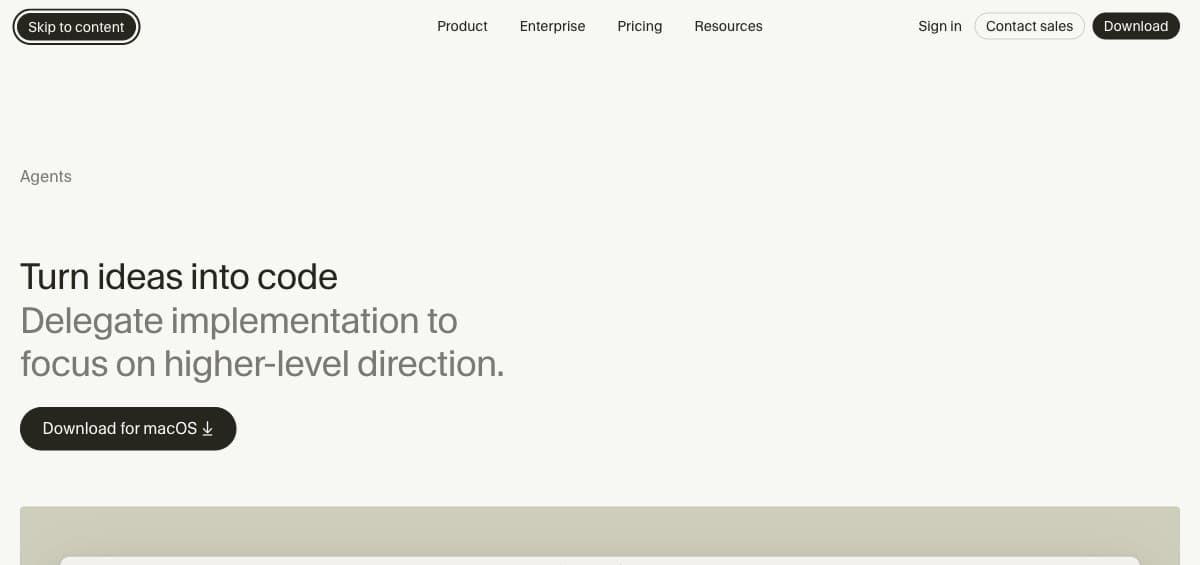
Use Cursor instead if: you already write code daily and want AI assistance inside your editor. BridgeMind's agents are overkill if you know what you're doing — Cursor's inline suggestions and codebase awareness are better for experienced developers.
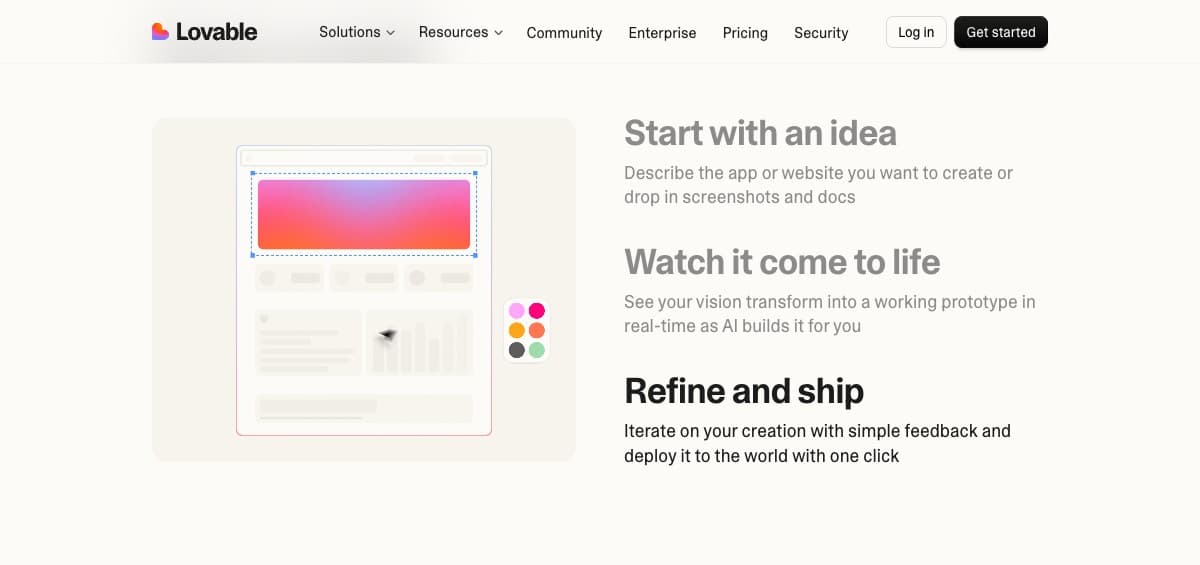
Use Lovable instead if: you only need a landing page or a beautiful frontend demo. BridgeMind is designed for full-stack products. Lovable's output looks better out of the box for pure UI work.
Use Replit instead if: you're learning to code or running a classroom project. BridgeMind doesn't teach you how the code works — agents write it autonomously. If learning is the goal, a guided environment like Replit is more appropriate.
The one question that decides everything
Do you want to write code, or do you want to ship a product? That's it. That's the question. If the answer is 'write code' — use Cursor. If the answer is 'ship a product and make money from it' — use BridgeMind.
This isn't a marketing line. BridgeMind's founder Matthew Miller built $200K ARR without writing code. Cursor's founders built a product for developers who love code. Different tools, different philosophies, both legitimate — just for completely different people.
Quick Comparison
| Tool | Best For | Price | Skill Required | Honest Verdict |
|---|---|---|---|---|
| ✦ BridgeMind | Solo SaaS founders shipping a full product | from $16/mo | None — prompting only | Best for non-devs who want to ship and monetize |
| ⚡ Cursor | Experienced developers inside an existing codebase | Free (Hobby) / $20 Pro | Must know how to code | Best AI editor, but you still write the code |
| 🎨 Lovable | Beautiful frontend prototypes and landing pages | free / $25+/mo | Minimal — drag & drop | Gorgeous UI but backend gets shaky fast |
| ⚡ Bolt.new | Quick browser-based full-stack prototypes | token-based / $20+/mo | Some — you review code | Fast for ideas, expensive on bigger projects |
| 🎓 Replit | Learning, scripts, classroom projects | free tier available | Beginner-friendly | Great for learning, not for production SaaS |
Which vibe coding tool fits you?
3 questions. Honest answer — we name the tool that actually fits, even when it isn't the one we earn from.
How comfortable are you with code?

Build with AI agents
🇺🇸 Top pick for US buildersBuild real software by directing AI agents — no manual coding.
BridgeMind is the vibe coding platform solo founders use to ship apps in days instead of months. Most crypto exchanges (like Bybit) aren't available in the US — but building your own app has no such limit.
Step-by-Step Instructions
Frequently Asked Questions
Is BridgeMind better than Cursor?
For non-developers building a product to monetize: yes. For experienced developers who want AI inside their editor: no, Cursor wins. They're built for different users.
Can I switch tools mid-project?
Yes. BridgeMind exports standard code (React/Next.js, Node.js). If you start with BridgeMind and want to hand off to a developer using Cursor later, the codebase is portable.
Is there a free trial?
BridgeMind has no free tier — plans start at $16/month annual ($20 monthly), and Pro ($40/$50) comes with a 7-day money-back guarantee instead. Lovable has a free tier for small projects. Replit has a free tier for basic use. Cursor has a 14-day trial. If a genuinely free start matters more than agent autonomy, begin with Lovable and move over once you know what you're building.
Which tool gets you to $1K/mo fastest?
BridgeMind — because it handles the full product including backend, payments, and deploy. Other tools require more manual work at the integration layer, which adds time and complexity for non-developers.
What are the best BridgeMind alternatives in 2026?
It depends which part of BridgeMind you are replacing. For the agent workflow: Replit Agent and Claude Code come closest. For the IDE experience: Cursor and Windsurf. For fast prototypes: Lovable and Bolt.new. Nothing matches the exact combination of a desktop app that runs several agents on routines on the AI subscription you already pay for — which is either the reason to stay or, if you'd rather work in a browser, the reason to look elsewhere.
Is there a free alternative to BridgeMind?
Cursor and Lovable both have usable free tiers, which is the main practical argument for starting there — BridgeMind has no free tier, only a 7-day refund on Pro. Free tiers are limited enough that you will hit the ceiling on a real project, but they are genuinely enough to decide whether the workflow suits you.
BridgeMind vs Lovable — which is better?
Different jobs. Lovable produces good-looking frontends fast and is the better choice if you want something to show someone this afternoon. BridgeMind is built to carry a whole product including the backend, which is where Lovable gets shaky as things grow. Prototype versus ship is the honest dividing line.
BridgeMind vs Replit Agent?
Replit Agent's advantage is that building and hosting live in one place, so you get a running URL with nothing configured. BridgeMind's is the wider toolset around the agents — persistent memory, MCP access, voice — under one subscription. Replit is the gentler start; BridgeMind has more room as the project grows.
BridgeMind vs Bolt.new?
Bolt is faster to a browser demo and billed by tokens, which makes heavy projects unpredictable — some have run past $1,000. BridgeMind is credit-based, so the ceiling is visible before you hit it. For a throwaway prototype Bolt wins on speed; for anything you intend to keep, predictable cost matters more than it sounds.
Which alternative is cheapest?
GitHub Copilot at $10/month has the lowest entry price; BridgeMind starts at $16 on annual billing plus your own AI plan. But entry price is misleading in a category that meters usage: compare what the allowance covers, because a cheap plan that runs out mid-month costs more than a dearer one that does not.
Do I actually need to switch tools?
Usually not. Tool-hopping is the most common reason people never ship — every switch resets your context and teaches nothing new. Switch when something concretely blocks you twice, not when a comparison article makes another option sound better.
Can I use more than one of these together?
Yes, and experienced builders often do: an agent platform for new products, an IDE assistant for maintaining what exists. The cost adds up, so it is worth doing deliberately rather than by accumulation — two subscriptions you use beat four you forgot to cancel.
Related Guides
Cursor Alternatives in 2026: 5 Tools Compared by Who Should Switch
Cursor's $20 credit pool runs out, teams pay $20 a seat, and you're locked into a VS Code fork. Five real alternatives compared on price, limits, and who each one actually suits.
What Is BridgeMind? 2026 Review: Pricing, Features & Honest Verdict
What BridgeMind does, what its $16–80/mo plans buy and who should skip it. Verdict with the founder's verified $201K ARR — no free tier, 7-day refund on Pro.
BridgeMind vs Cursor 2026: Which One to Pick (Prices Compared)
BridgeMind is a desktop app that runs AI coding agents for you; Cursor is an AI code editor. Prices checked, who each fits, and when to use both.
Get Weekly Stars & TON Updates
Market analysis, new guides, and earning tips — free, every week.
No spam. Unsubscribe anytime.
Calculate Your Potential Profit
If you are buying Stars to monetize your channel, check exactly how much you can earn.